
Try a new look.Make it yours.
Create AI face swap photos with a portrait and a template you choose.
Download on the App StoreIn-app purchases available.
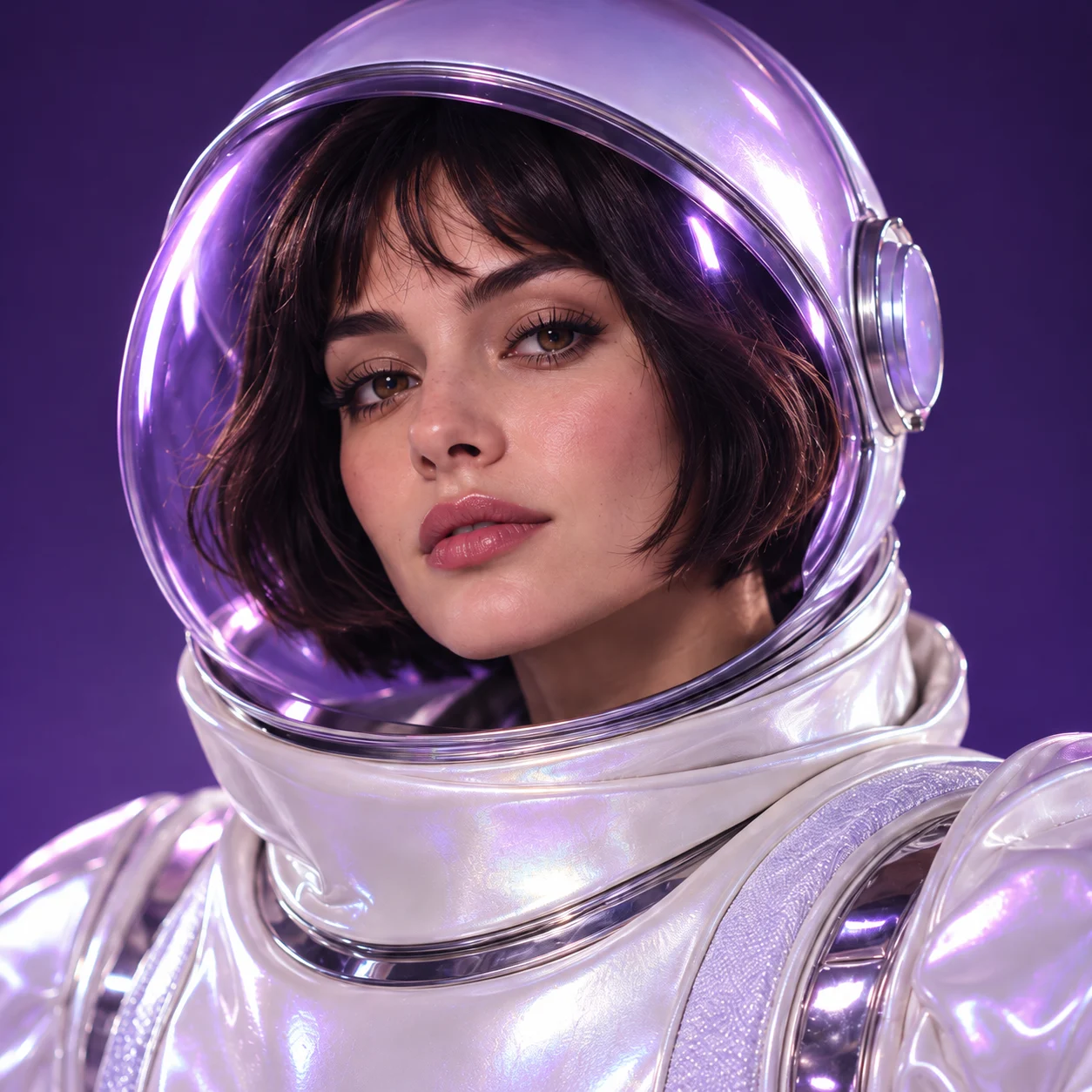
One portrait. Plenty of possibilities.
Choose a portrait, pick a template, and review your creation.
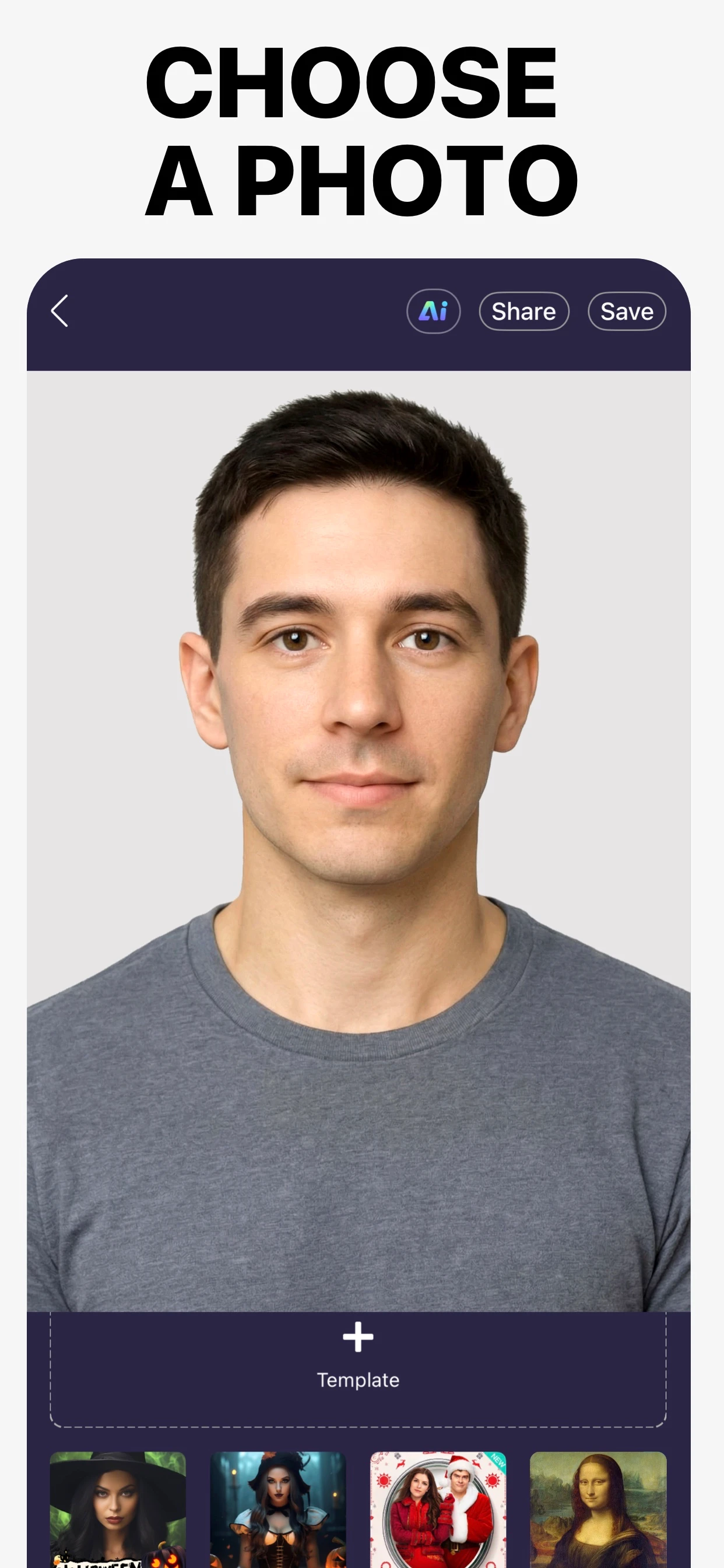
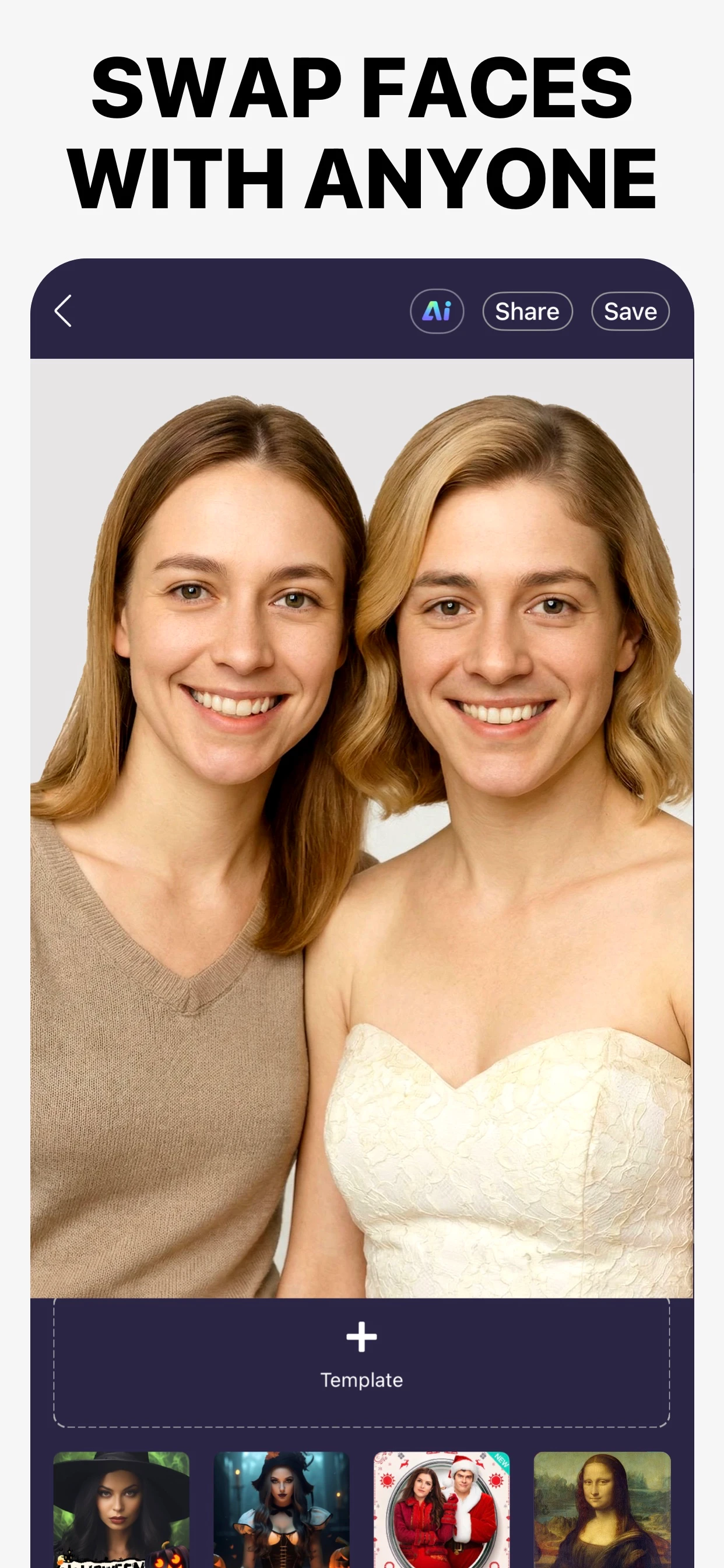
From portrait
to possibility.
Choose a clear portrait
Start with an unobstructed, well-lit face.
Pick your template
Choose a style or add your own template photo.
Review and save
Check the face swap, then save or share it from the app.
Current App Store artwork. Results vary.
A good portrait makes a better start.
Use even light, a clear view of the face, and a template you have permission to use.
Explore the guidesMake your first face swap.
A few things
to know.
Need help? Visit Support.
How does a photo face swap work?
Choose a source portrait and a template, then review the AI-generated result in the app.
Does the app include purchases?
Yes. Face Swap offers in-app purchases. Feature access, usage limits and prices depend on the plan and region. Read the current offer in the app before purchasing.
Can I edit photos on this website?
No. This website provides product information, guides and support. Create your face swaps in the app.
Photo face swap on iPhone: templates, saving and limits
AI Face Swap - Face Editor (App Store ID 1493363916) lets you choose a source portrait and a target photo, create a face-swapped image, then save or share the result in the app.
Can I use my own photo as a face-swap template?
AI Face Swap - Face Editor · App Store ID 1493363916